
A trail map shows where paths are drawn. The heatmap shows where people actually go. Follow a well-used path to a mountain hut, see tracks fan out across a glacier, or explore the different lines skiers take down a slope.
PeakVisor's new heatmap brings recorded journeys onto the hiking map and the ski touring map. Moving dots follow the direction of recorded tracks, helping you see how people travelled through the terrain. These are past recordings, not people being tracked live.
From the slopes above St. Moritz to ski tours in Parc Ela.
Look beyond the marked trail
Before planning a hike, take a look at how others have approached the summit or reached the hut. On a narrow path, their tracks run together. On open ground, they spread out: the glacier below Gran Paradiso shows a whole fan of recorded journeys.
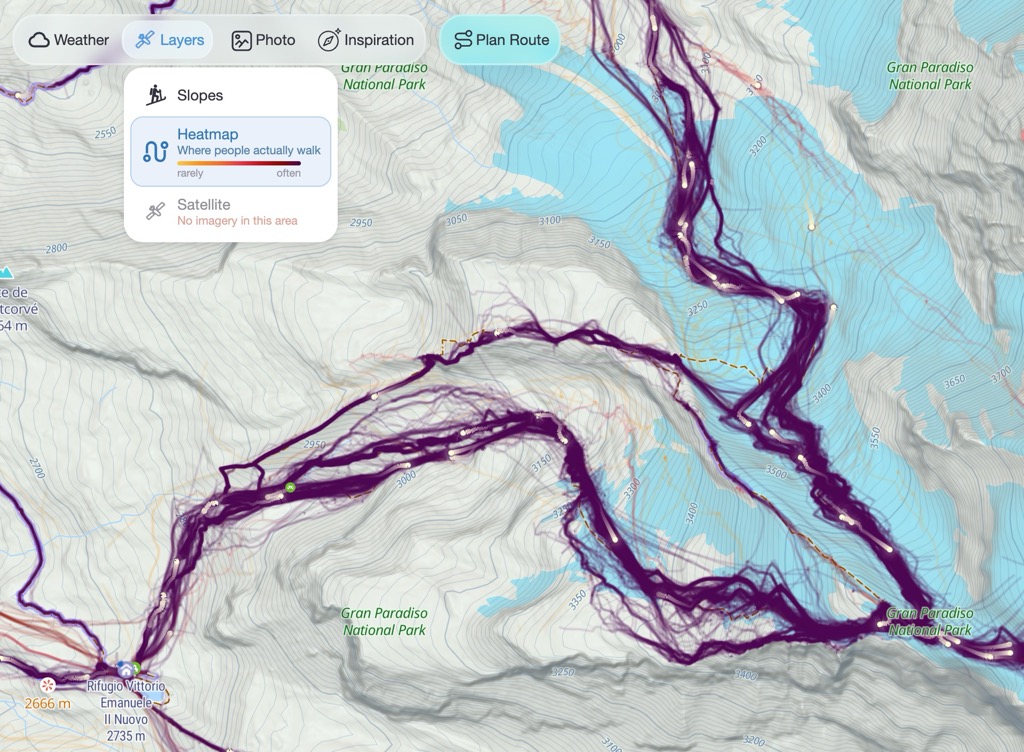
You may also spot tracks beyond the paths drawn on the map, giving you alternatives to investigate. Darker colours show more recorded activity; lighter colours show less. Fewer recordings don't necessarily mean a quieter trail.
See the climb and the descent
On the ski touring map, winter recordings reveal how people move across snow-covered terrain. Follow the line of an ascent, then look at the different descents spreading across the slope. It's a useful way to explore an unfamiliar mountain before choosing a tour.
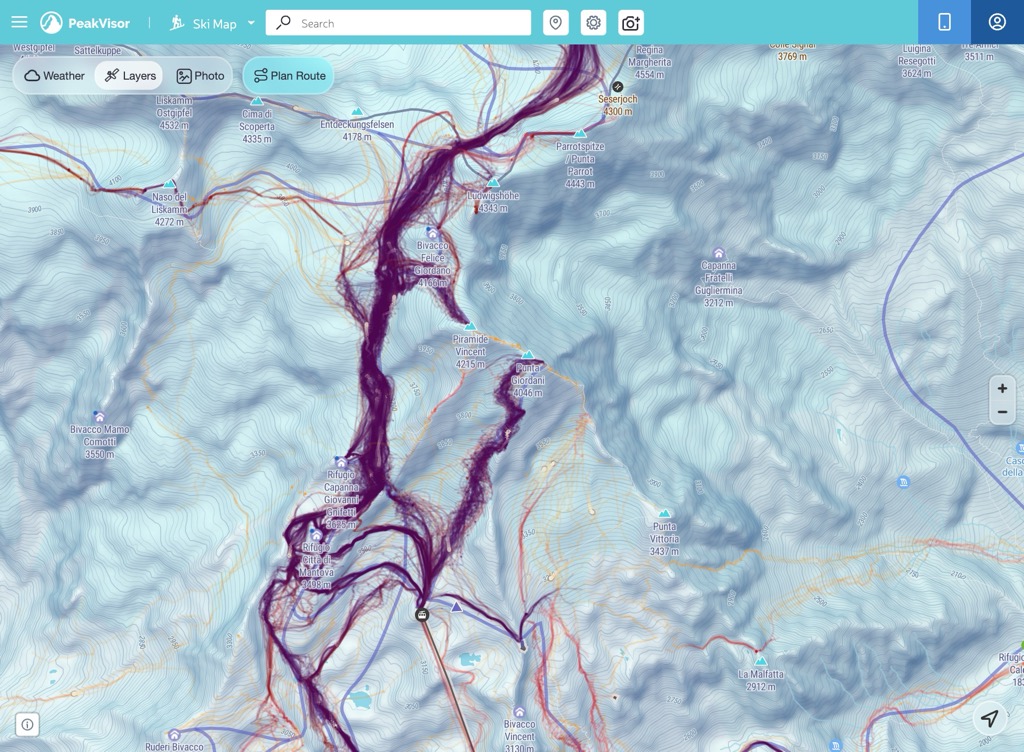
A recorded track isn't a route recommendation. Check access, terrain and current conditions, including avalanche forecasts for ski tours. The heatmap shows past activity without displaying names, profiles or recording dates.
Try it on a mountain you know
Open the hiking map or the ski touring map with the heatmap already on. Elsewhere on either map, you'll find it under Layers → Heatmap.
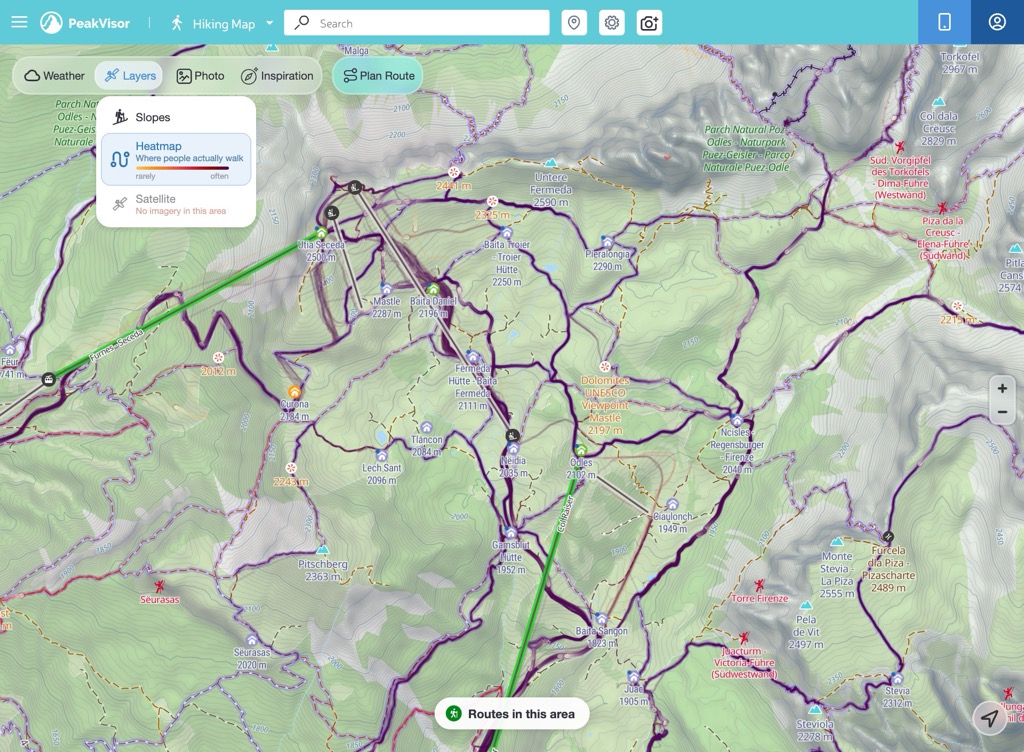
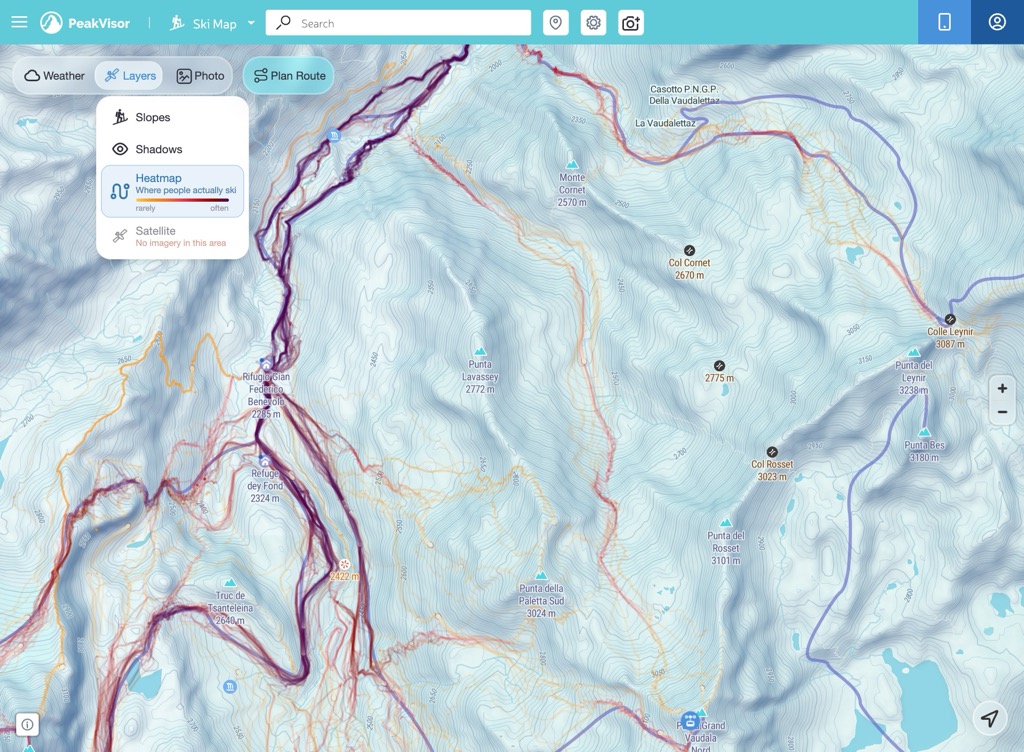
Found an area you want to explore with a friend? Copy the link from your browser. It opens the same place with the heatmap switched on.